Quick Facts
- Category: Data Science
- Published: 2026-05-04 17:40:07
- Apple's Upcoming Lineup: MacBook Ultra, Foldable iPhone Ultra, and Vision Pro's Decline
- New Framework Reveals: Design Teams Thrive When Leaders Embrace Overlap, Not Separation
- The Quiet Revolution: How AI-Driven Vulnerability Discovery Reshapes Cybersecurity
- Building Cost-Efficient Large Language Models: A Hardware-Aware Co-Design Tutorial
- Tech CEO Out-of-Touch Quotes Quiz: Can You Spot the Speaker?
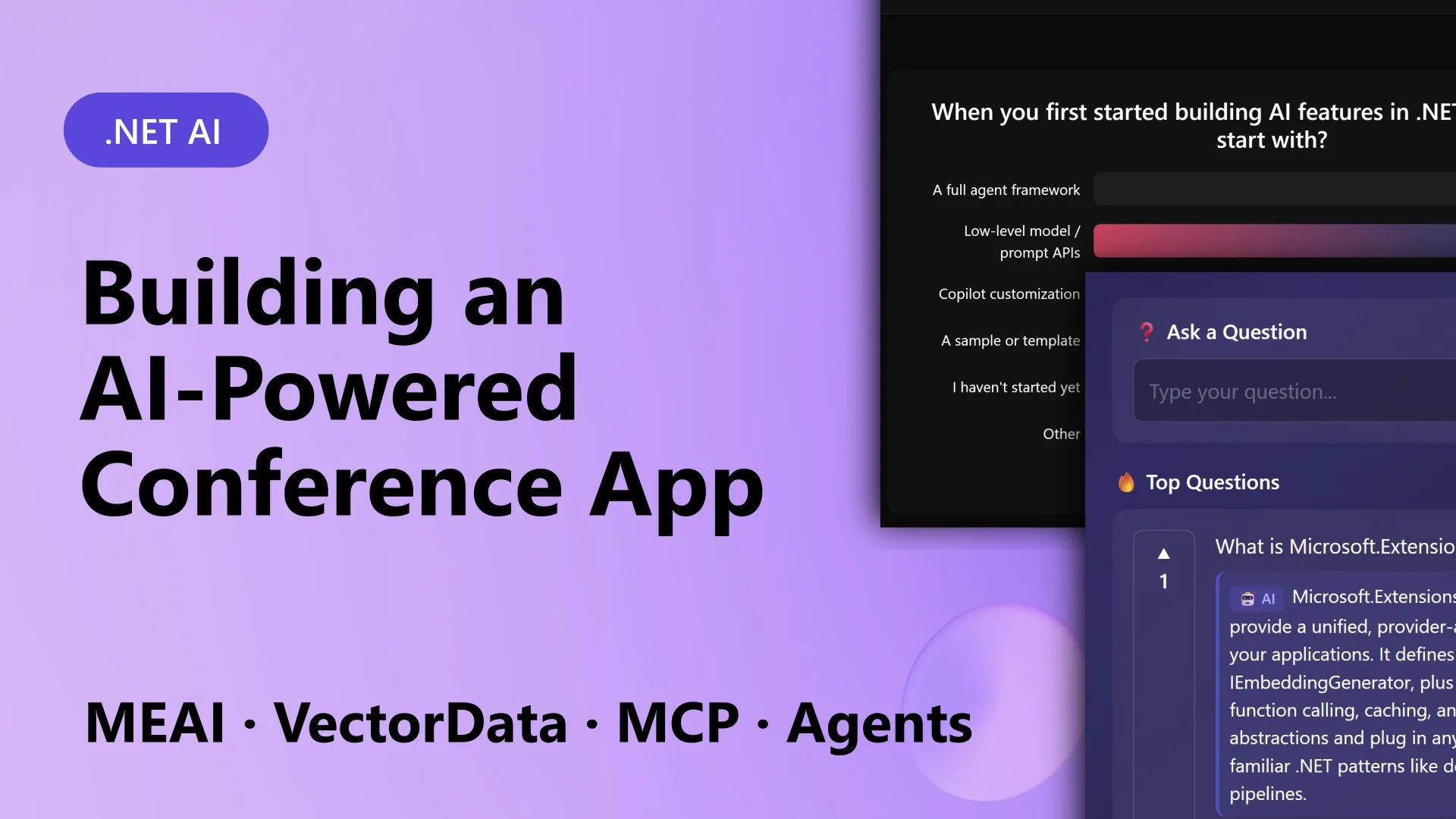
Imagine building an interactive conference assistant that generates live polls, answers audience questions using retrieval-augmented generation (RAG), surfaces real-time insights from engagement data, and auto-creates a session summary when the talk ends. That’s exactly what the .NET team did for MVP Summit with an app called ConferencePulse. And they used the same composable AI stack they were there to present. In this article, we break down the seven essential building blocks that made it possible—each one a stable abstraction that saves you from patching together different ecosystems. Whether you’re a .NET developer new to AI or looking to streamline your own intelligent app, these components will help you ship faster and with fewer headaches.
1. Unified AI Abstraction with IChatClient
At the heart of any AI feature is the ability to call language models consistently. The Microsoft.Extensions.AI library provides IChatClient, a single interface that works with OpenAI, Azure OpenAI, Ollama, Foundry Local, and other providers. Instead of switching client libraries and adapting to each provider’s unique patterns, you write code once. For ConferencePulse, every AI call—whether generating a poll question, answering a query, or summarizing a session—goes through the same IChatClient. This abstraction also handles streaming, tool calling, and structured outputs, making it simple to swap providers without rewriting logic. The team could test locally with Ollama and deploy to Azure OpenAI with a single configuration change.
2. Automated Data Ingestion Pipeline
Before the app can answer questions, it needs a searchable knowledge base. The Microsoft.Extensions.DataIngestion library offers composable pipeline stages: you point the pipeline at a GitHub repo, and it automatically downloads Markdown files, splits them into chunks, and prepares them for vector search. ConferencePulse uses this to digest session materials, Microsoft Learn docs, and GitHub wiki content. The pipeline is extensible—you can add custom processors for HTML, PDFs, or other formats. This automation means the presenter simply provides the repo URL, and the app builds a grounded knowledge base without manual intervention. It’s a huge time-saver for live events where content changes frequently.
3. Vector Data Store Integration
Retrieving relevant context from the ingested content requires a vector database. Microsoft.Extensions.VectorData provides a consistent abstraction over vector stores like Qdrant, Azure AI Search, and others. In ConferencePulse, the ingestion pipeline writes embeddings to Qdrant, and the RAG system queries it to find the most relevant passages for each audience question. The unified interface means you can develop locally with an in-memory store and later switch to a production-grade vector database with minimal code changes. This block also handles metadata filtering and hybrid search, ensuring answers are both accurate and contextually relevant.
4. Model Context Protocol (MCP) for Tool Integration
AI agents often need to interact with external systems—like databases, APIs, or session state. The Model Context Protocol (MCP) standardizes how AI tools are defined and discovered. ConferencePulse includes an MCP server that exposes tools for querying polls, fetching session data, and posting insights. The MCP client in the agents then calls these tools transparently. This decouples tool logic from the agent workflow, making it easy to add or update functionality without touching the AI pipeline. MCP ensures that all interactions follow a consistent, secure pattern—ideal for live demos where reliability is critical.
5. Multi-Agent Orchestration for Complex Workflows
Single prompts can only do so much. For tasks like generating a session summary, ConferencePulse uses the Microsoft Agent Framework to run multiple agents concurrently. One agent analyzes poll results, another examines audience questions, a third extracts patterns from insights, and a final merge agent combines their findings into a cohesive summary. Each agent has its own tools and system prompts, coordinated by a lightweight orchestrator. This block allows you to break complex AI tasks into parallel, specialized steps—improving both speed and output quality. The framework also supports human-in-the-loop and error recovery, so the app remains responsive even if one agent falters.

6. Real-Time Blazor Server UI
The user-facing side of ConferencePulse is a Blazor Server application running on .NET 10. Attendees scan a QR code, join a session, and see live polls and Q&A votes update in real time through SignalR. The presenter sees a dashboard with AI-generated insights as they come in. Blazor Server handles the real-time communication without requiring complex JavaScript. The AI orchestration happens on the server, so the UI simply renders the results. This architecture keeps the frontend lightweight while allowing the backend to leverage the full .NET AI stack. The team also used Aspire to streamline local development and deployment.
7. .NET Aspire for Cloud-Native Infrastructure
The final building block is .NET Aspire, which manages the app’s backing services. The ConferencePulse solution includes an AppHost project that orchestrates Qdrant (for vector storage), PostgreSQL (for session state and poll data), and Azure OpenAI (for AI models). Aspire provides health checks, service discovery, and a unified dashboard for monitoring logs and metrics. When running locally, it spins up containers automatically; when deploying to Azure, it integrates with managed services. This reduces the operational overhead of setting up a multi-service AI app and ensures the entire stack is observable and resilient.
Putting It All Together
By combining these seven building blocks, the .NET team built a fully functional AI conference app in a fraction of the time it would have taken with disparate tools. The composable abstractions let them swap providers, add new capabilities, and focus on the user experience rather than plumbing. Whether you’re building a conference assistant, a customer support bot, or any AI-enhanced application, these components give you a solid foundation. Start with the unified AI client, add ingestion and vector search, then layer on agents and orchestration. With .NET’s composable AI stack, shipping intelligent features has never been more straightforward.